A house alarm that beeps without the siren going off is almost always reporting a fault, not a break-in. The usual causes are a low battery in the control panel, a detector or the outside siren, a power cut, a tamper fault, a lost app connection or a service reminder. Your keypad or app will normally tell you which. Below is what each one means, what you can safely check, and when to call an engineer.
What the beeping usually means
A low battery in the panel, a detector or the siren
Most alarms have batteries in several places. The control panel has a backup battery that keeps it running if the mains power goes off. Wireless detectors and door contacts run on their own batteries, and most outside siren boxes have one too.
When any of these runs low, the system warns you, usually with a beep from the keypad and a message or light. Backup batteries wear out with age, even if you have never had a power cut.
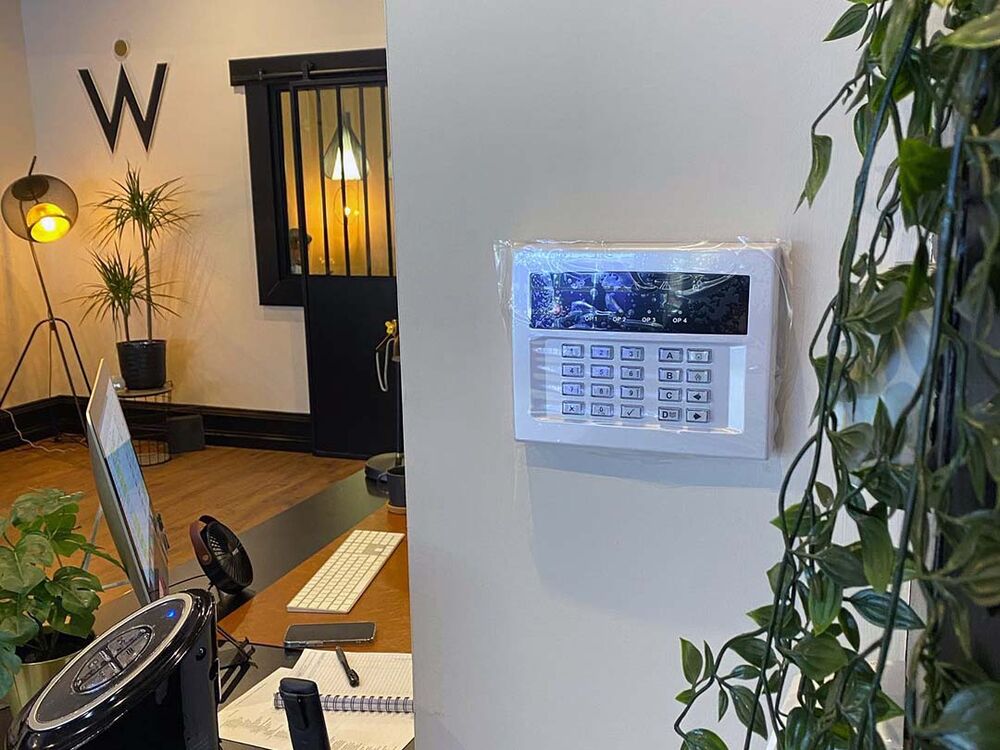
What you can check: read the keypad display or the app. It should name the device with the low battery. Some wireless detector batteries can be changed by the user, but opening a detector or siren can set off a tamper alarm unless the system is in maintenance mode. Leave the panel and siren batteries to an engineer.
A power cut or mains failure
If the electricity goes off, the panel switches to its backup battery and beeps to tell you the mains supply has been lost. That is why alarms often beep after a power cut.
What you can check: is the power off in the whole house, or just the alarm? Look at your consumer unit (fuse box) for a tripped switch. If one has tripped, you can reset it once. If it trips again, leave it off and get help.
When the mains comes back, enter your code to acknowledge the fault. After a long power cut the backup battery may be flat, and the alarm may keep warning you until it recharges or is replaced.
A tamper fault
Each part of the alarm has a tamper switch that reports if a cover is opened, a device is pulled off the wall or a cable is cut. A loose cover, a knocked detector, damp inside the outside siren or a damaged cable can all cause a tamper fault.
What you can check: look for anything that has been knocked or has a loose cover, but don't open it. On many systems a tamper fault can only be cleared by an engineer.
A lost connection to the app
If your alarm sends alerts to an app, it needs a working internet or mobile connection. A broadband outage, a new router or a changed Wi-Fi password can leave the panel offline, and it may beep or show a communication fault.
What you can check: make sure your broadband is working and restart the router. If you have recently changed your router or Wi-Fi details, the panel may need to be reconnected.
A service-due reminder
Some panels are set to remind you when a service is due, with a beep or a message asking you to call your engineer. The alarm still works, but the reminder keeps coming back until an engineer services the system and clears it.
An old or partly disconnected alarm
An old system that hasn't been used for years, or one that has been partly disconnected, often beeps or chirps because a backup battery has gone flat. The outside siren usually has its own battery, so it can keep chirping even with the mains switched off. If you no longer want the system, we can disconnect an old alarm properly.
Beeping every 30 seconds or every minute
A beep at a regular interval usually means the panel has logged a fault that hasn't been acknowledged yet. A low battery and a mains failure are the most common. Enter your code and read the display. If the beeping comes back after you acknowledge it, the cause is still there.
What you can safely check yourself
- Read the message on the keypad or app and write it down.
- Check the power is on in the rest of the house and that nothing has tripped at the consumer unit.
- Enter your user code to acknowledge the fault. Many panels stop beeping once a fault is acknowledged, even if the fault itself is still there.
- If the app shows the panel as offline, check your broadband.
- Find the installer's name and number on the panel or the outside siren box.
What not to do
- Don't open the control panel. It has mains electricity inside.
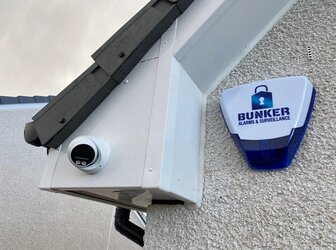
- Don't open the outside siren box or cut its cable. Siren boxes are designed to sound if they are tampered with, and they have their own battery, so this usually makes things worse.
- Don't keep trying different codes. Many keypads lock for a while after several wrong attempts.
When to call an engineer
Call an engineer if:
- the fault won't clear with your code, or keeps coming back
- the display shows a tamper fault or asks for an engineer
- the panel or siren battery is low
- the alarm has started going off for no obvious reason
- you don't have a working code, or your old installer can't be reached
If the beeping turns into a full alarm, see how to silence or reset a house alarm safely.
Need help with a beeping alarm?
We repair, service and take over existing alarms across Glasgow and Central Scotland. For urgent help, call our 24/7 line on 07397 901 411 or read about our emergency alarm call-out service. Call us for a price.
If your alarm is old and keeps developing faults, you can get an instant price for a new alarm, with indicative packages from £380. We confirm the price for your home before any work starts.